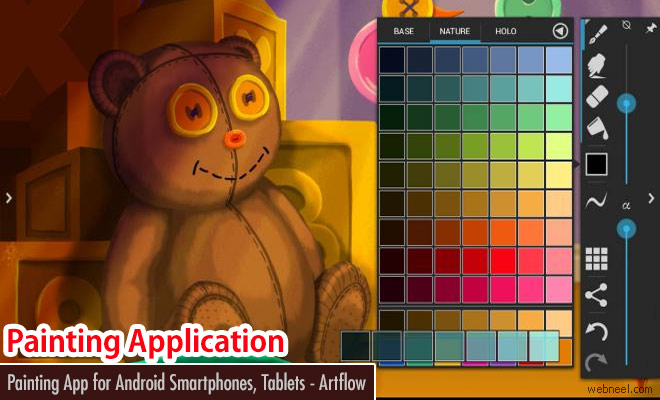
ArtFlow: An Application for Drawing and Painting on Your Android Phone
Watch the video tutorial here:
https://www.youtube.com/watch?
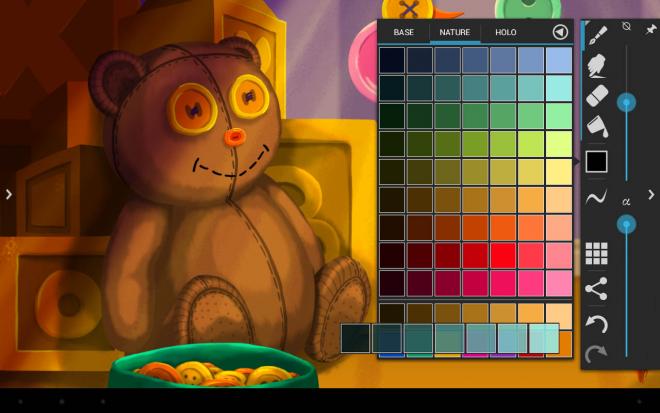
Features (some functions require pro license):
• High performance (GPU accelerated) paint engine
• 70+ brushes and tools (including smudge tool)
• Color adjustment (HSV, brightness & saturation and more)
• Infinite undo and redo
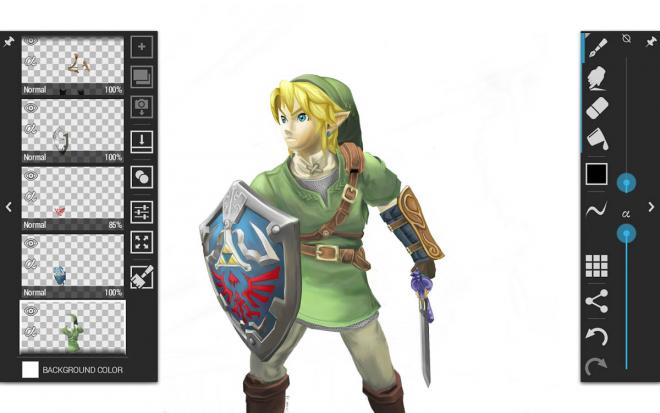
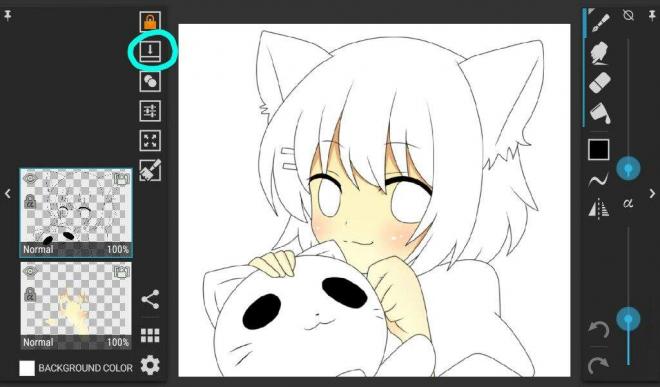
• up to 7–16 layers with 11 different blending modes and global opacity
• Hi-res canvas - up to 2048x2048, 2560x2560 or 4096x4096
• Separate flow (tip alpha) and opacity (stroke) control for brushes
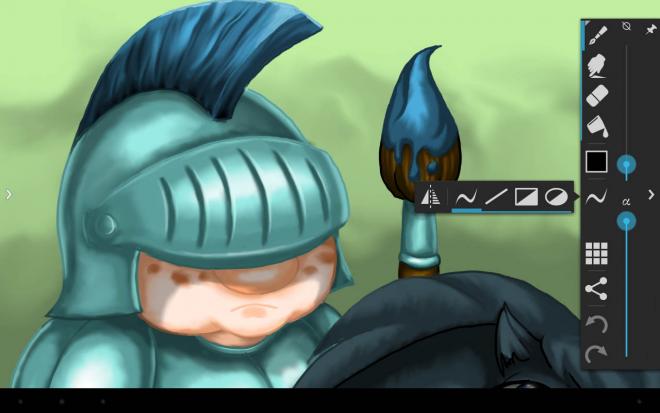
• Holo inspired, fast, fluid, intuitive and accessible user interface
• Multiuser support on Android 4.2
• Export to PSD (Photoshop Document), PNG (with transparency) or JPEG
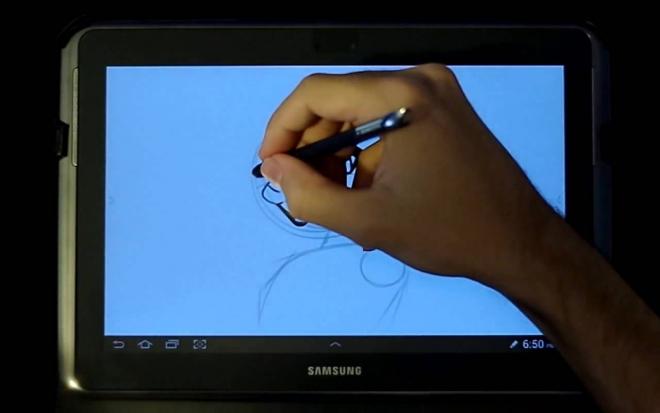
• Pressure sensitive pen support
• Brush flow and size fade and dynamics
• Pressure simulation for touches
• Create layers from imported images and photos
• Configurable symmetry drawing mode
• Geometrical shapes (line, rectangle, oval)
• Active edge shortcut system
• NVIDIA DirectStylus support
• Palm rejection - no more accidental zooming and panning when drawing
Pressure sensitive stylus support tested on: Samsung Galaxy Note series (SPen), Toshiba Excite Write and Tegra Note 7.
Android App: play.google.com/store/apps/details
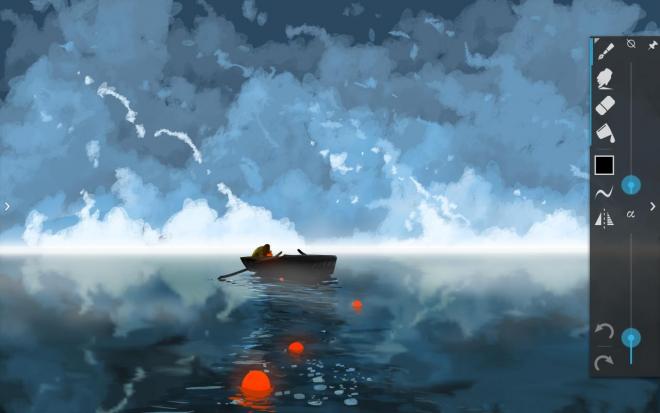
According to Artflow, "You can paint, sketch and draw with ease, thanks to fast and fluid brush engine. ArtFlow aims to replace your physical sketchpad and become universal art studio type application for Android". If you haven't tried this app, now is the time to enjoy.