Convert Your Crude Scribbles into Artwork with Google's AutoDraw AI Drawing App
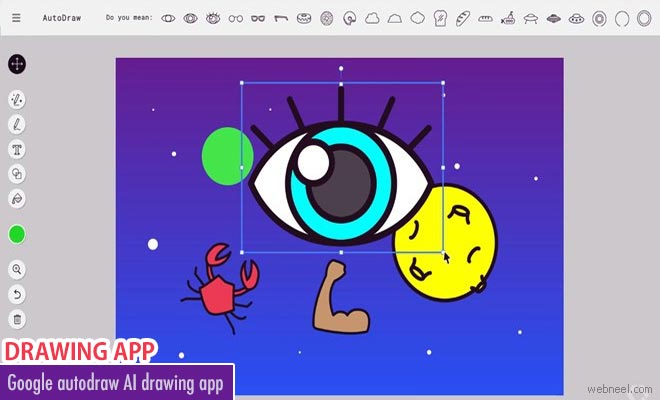
Google has launched a new experiment that uses machine-learning algorithms to match your doodles with professional drawings. Drawing on a tablet, laptop, or smartphone can be very difficult and time-consuming if you are not accustomed to it. This is where Google’s new artificial intelligence-backed online platform, AutoDraw, can assist you. It is a free-to-use website and does not require users to sign up or create an account.
How it works
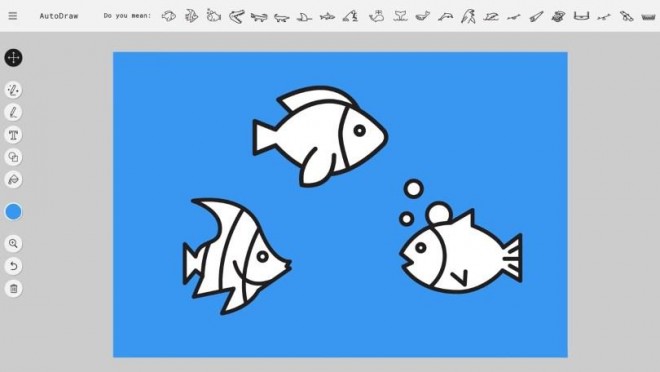
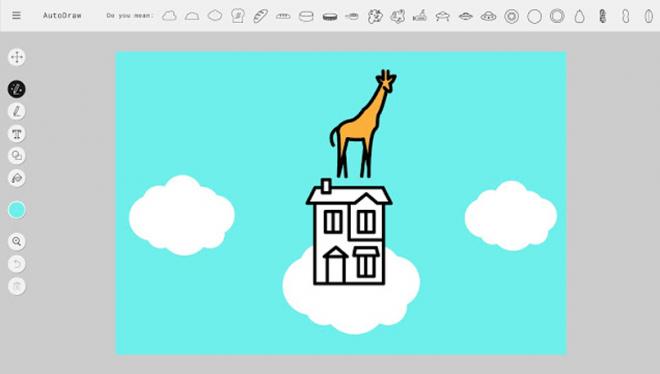
The Autodraw homepage shows a blank canvas in the middle with tools on left side of the screen. How Autodraw differs from photoshop sketch and MS paint is this app uses AI to guess what the user is trying to draw.So if you draw two circles side-by- side and connect them with a line, the site will show drawings of a bicycle, eyeglasses or spin lock weights at the top of the page.
Watch the autodraw video
https://www.youtube.com/watch?v=VwRbvVrUXTc&
The size and orientation of the canvas can be modified, readjust the size of the drawing,fill colour and add text using tools on the left side of the website. Completed drawings can be downloaded on their device in PNG file format or can be shared directly on social media sites. The app being user friendly and quick is matter of attraction.
Google autodraw app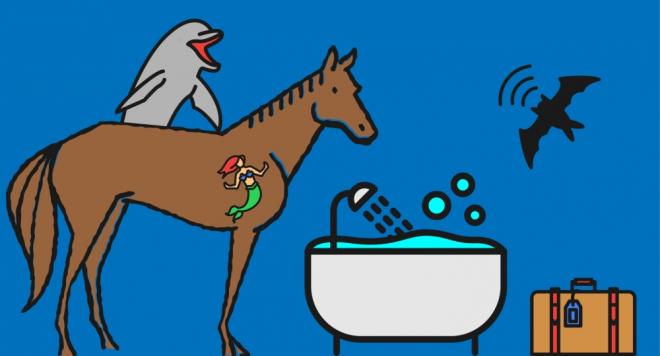
To enjoy drawing visit autodraw.com